
I am at rest in God alone; my salvation comes from Him. He alone is my rock and my salvation, my stronghold; I will never be shaken.
Psalm 62:1-2
by
Elizabeth
 Nov 02, 2026
Quick Answer: Never change an employee’s direct deposit based on an email alone. Confirm it in person or by calling the phone number already in their file, and leave yourself enough time before payroll runs to do it.
“Hi! I switched banks. Please update my direct deposit before the next payroll. Here are my new details.”
It looks like a routine request from an employee. You make the change, run payroll, and check it off your list.
Then payday comes, and the employee asks where their paycheck is.
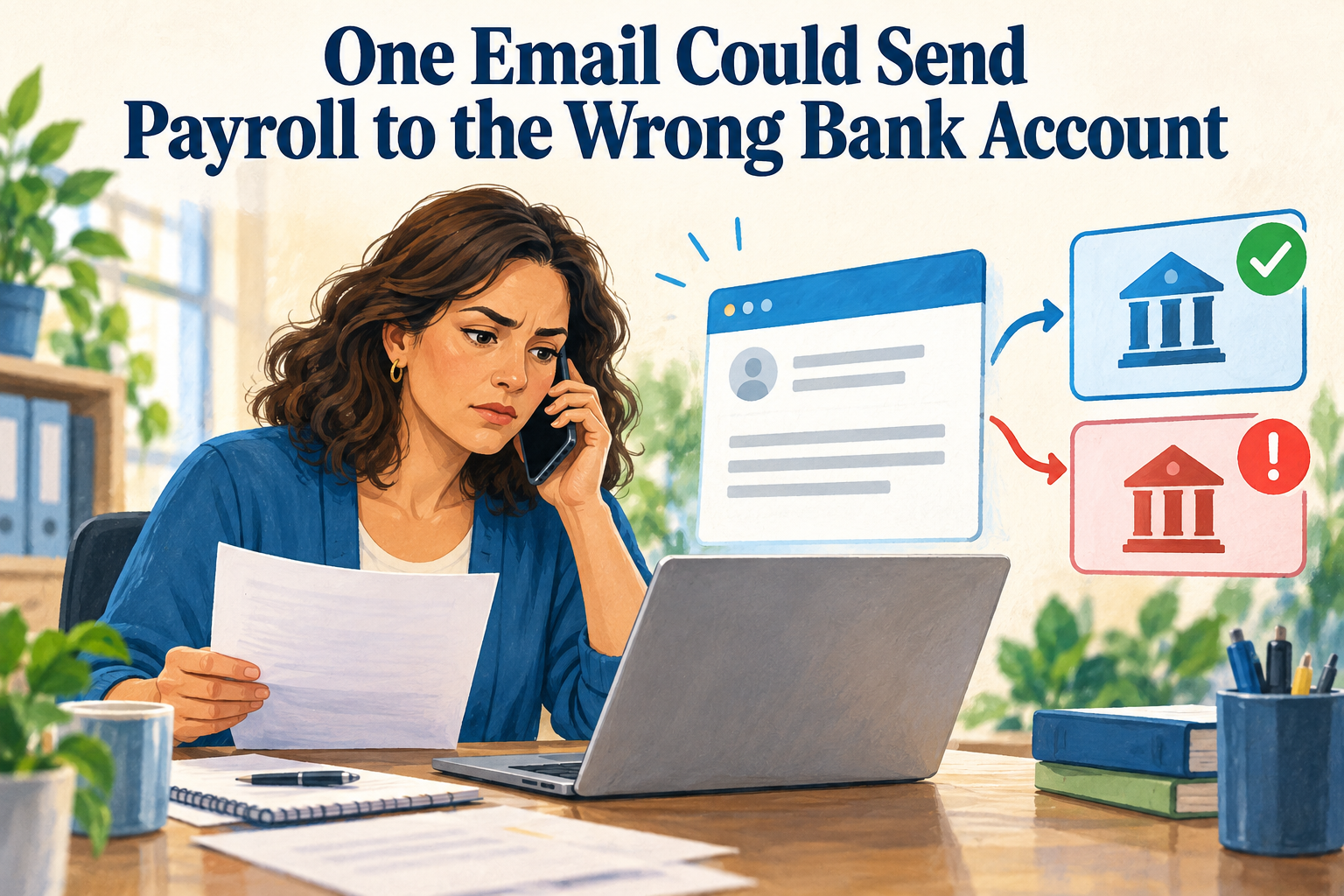
One unverified change can send wages to a stranger’s account. Protecting payroll means confirming who asked for the change, not just typing in the numbers correctly.
Sometimes a scammer pretends to be an employee and emails whoever runs payroll, asking to change bank details. The FBI considers fake direct deposit change requests a form of business email compromise. [1]
Other times, a criminal steals an employee’s login and changes the information directly inside a payroll or self-service portal. An April 2025 FBI warning describes fake employee self-service websites built to steal logins and redirect paychecks. [2]
Either way, a familiar name in your inbox, or a change made through a real account, can still come from someone else.
We’ve all seen the random, weird posts on Facebook that Aunt Sally surely didn’t write herself. A day later, she follows up: “That wasn’t me! I was hacked!” Email accounts get taken over the same way, and the messages that come out of them look every bit as real.
That’s exactly what happened to us. We run payroll for our clients, and one day we got an email from a client’s employee asking to change the bank account for his direct deposit. It came from his real email address and looked completely routine.
Our SOPs say we don’t make changes based on requests straight from employees, so the change didn’t go through. Good thing, because the person who sent it was his soon-to-be ex-wife. She had gotten into his email and was trying to move his paycheck into her own account.
Scams like this don’t always come from a stranger overseas. Sometimes the person asking already knows your employee’s password.
Before changing direct deposit information, talk to the employee in person or call the number already in their employee file.
Don’t use a new number included in the request, and don’t count a reply from the same email account as verification. If someone else controls that inbox, they can answer your questions too.
Explain the process to employees before they ever need to change banks. People follow a rule more easily when they know it exists.
A signed authorization form is good documentation. Who actually filled it out is a separate question, and the form alone can’t answer it.
Collect bank details through your secure method, pair the form with a quick identity check, and note who confirmed the request and when.
If someone outside your business runs payroll, agree on who does what. Who verifies the employee? Who approves the change? How does the verified request get to the provider? A forwarded email shouldn’t leave everybody assuming somebody else checked.
Make bank changes their own line on your payroll checklist. If your system offers change reports or alerts, turn them on.
Limit who can edit payment details, protect payroll logins with MFA, and consider having a second person review bank changes.
Encourage employees to reach their payroll portal through a saved bookmark or the official app. An unexpected email, or even a search ad, shouldn’t be how anyone ends up on a page asking for payroll credentials. [2]
And set a cutoff that leaves time to verify. A rush request the morning payroll runs still gets the callback, even if that means the change waits a cycle.
Call the payroll provider and the bank right away. Ask whether the payment can still be stopped, or whether a return or recovery request is possible. Sometimes the money can’t be recovered.
Secure any affected accounts, save the request and the approval history, and report it at IC3.gov. Then work with your provider and advisers to make sure the employee gets paid. The diverted deposit doesn’t settle what they’re owed.
Payroll is a big part of what we do at Compton & Company. If we run your payroll, let’s talk about how employee changes reach us, so the process is clear before the next request comes in.
Our last post in the series: Should you put that in ChatGPT?
An employee says the callback is a hassle. What do I tell them?
That it protects their paycheck. Most people are happy to take a two-minute call once they hear that.
Can a bank reverse a direct deposit that went to the wrong account?
Sometimes, but recovery isn’t guaranteed. Contact your bank and payroll provider immediately. They can determine whether a reversal is permitted or whether another return or recovery request is appropriate. A payment sent using fraudulent instructions does not automatically qualify for an ACH reversal.
Should employees be able to change their own direct deposit in a self-service portal?
It saves time, and it puts a lot of weight on that portal’s security. If you allow it, turn on MFA and change notifications so the employee hears about any update right away.
Sources
[1] FBI IC3 — Business Email Compromise: The $26 Billion Scam
[2] FBI IC3 — Cyber Criminals Impersonating Employee Self-Service Websites
Quick Answer: Never change an employee’s direct deposit based on an email alone. Confirm it in person or by calling the phone number already in…Read More

Quick Answer: Tell someone right away, whether that’s your IT provider, whoever handles security, or your bank. Then, depending on what happened, change any password…Read More

Quick Answer: Use a different password for every account. Turn on multifactor authentication (MFA), starting with email, banking, and payroll. Then save your recovery codes…Read More
Comments