
I sought the LORD, and He answered me and rescued me from all my fears. Those who look to Him are radiant with joy; their faces will never be ashamed.
Psalm 34:4-5
by
Elizabeth
 Oct 16, 2026
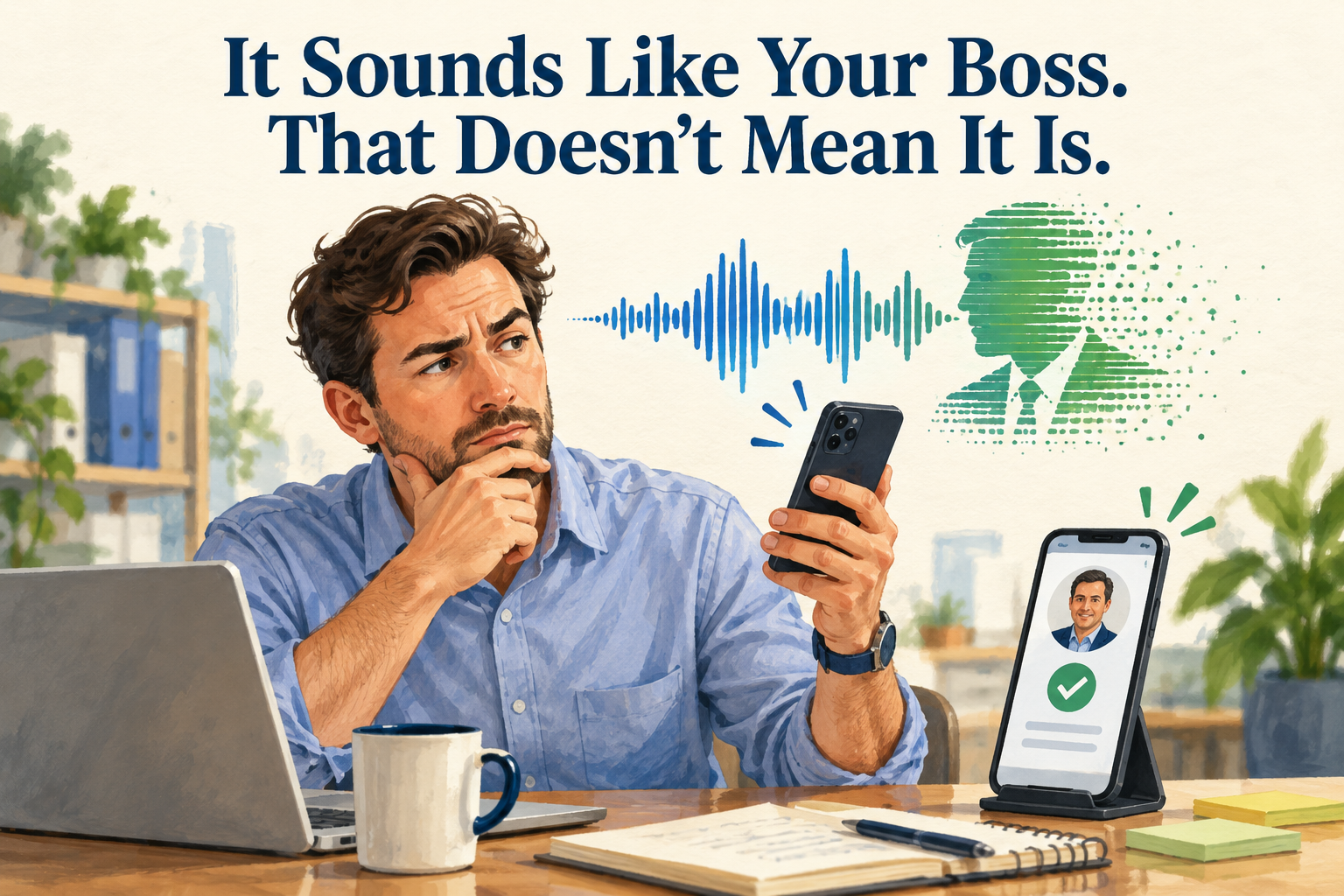
Quick Answer: AI tools can imitate a voice. Give your team one rule: any request for money, gift cards, passwords, or private information gets confirmed by calling a number already on file, even when the request sounds exactly like you.
Picture this: one of your employees gets a call that sounds exactly like you. You’re stuck in a meeting, you need a payment sent right now, and you’ll explain later.
They want to help. They recognize your voice. Why would they question it?
Because these days, a familiar voice alone isn’t enough to confirm who’s calling.
This summer, I was sitting in the airport when my dad called. He wanted our family to set up a code word, something only we would know, in case one of us ever got a frantic call asking for help. It’s a smart idea.
Scammers have been running this play for years. In 2021, Megyn Kelly’s 84-year-old mother-in-law got a call from a woman who sounded just like her daughter, sobbing and saying she’d been in a car accident and was in jail. A man claiming to be her lawyer said bail was $17,000, due within two hours, and later suggested paying in cryptocurrency. The family nearly fell for it until a friend drove to the daughter’s house and found her safe at home. Megyn Kelly tells the whole story here. [3]
That call didn’t even need AI. Today’s tools make it easier to copy a real person’s voice, and the same trick works just as well on a business.
AI tools can imitate voices and make impersonation attempts more believable. The FBI has warned about malicious messaging campaigns using AI-generated audio, and its advice is simple: find the person’s phone number on your own and call to verify. [1]
That warning was about scammers posing as government officials, but the lesson carries over to a small business. Verify the request through a channel you trust, however familiar it sounds.
Email works the same way. A message can use your name, your business details, and a believable explanation. Your employee may recognize the situation without having any idea who actually sent it.
Your team will have much better luck judging what’s being asked than judging whether a voice is real.
Requests to send money, buy gift cards, share passwords, or skip normal approvals all deserve a callback. So do instructions to keep things quiet or not loop anyone else in.
A caller may say, “I know we usually get approval, but I need you to do this now.” That’s exactly when your rules need to hold.
Use a phone number already saved in your company records. If a message claims to come from you, employees should call your usual number or walk down the hall before acting.
Don’t use contact details that only appear in the suspicious message. And don’t let the caller stay on the line to “help” your employee verify them.
If you can’t be reached, the request waits, or it goes to another authorized person under your normal approval process. Decide who that is now, before an urgent request shows up.
A policy won’t help much if employees get in trouble for using it.
If you regularly demand exceptions because you’re busy, your team learns that urgency beats verification, and a scammer can use that habit against you.
Tell employees plainly: “You will never get in trouble for checking a request that looks like it came from me.” Then back them up when they do it. The FBI also advises extra caution when a payment request comes with pressure to act fast. [2]
At your next staff meeting, try a quick what-if: “If this happened today, who would you call?” If nobody’s sure, you’ve found something to fix.
Sometimes a scammer wants a customer list or a login instead of a payment. Your callback rule should cover sensitive information as well as money.
A real request should come from an authorized person, with a sensible way to share the information and a reason the person asking needs it.
We’d always rather a client call us to double-check something than wonder about it later. Give your own team that same permission. A familiar voice can start the conversation. The callback finishes it.
Next in our series: Your password needs a backup plan.
Less than you’d think. A voicemail greeting, a video on social media, or a recorded webinar can give them something to work with.
It can help, especially on a small team. Keep it out of email and texts, and change it when someone leaves. The callback to a known number is still your main safeguard.
Then the callback costs two minutes.
Call the bank right away, then tell the owner. Post 4 in this series walks through the rest.
Sources
[1] FBI — Senior U.S. Officials Continue To Be Impersonated in Malicious Messaging Campaign
https://www.fbi.gov/investigate/cyber/alerts/2025/senior-us-officials-continue-to-be-impersonated-in-malicious-messaging-campaign
[2] FBI — Business Email Compromise
https://www.fbi.gov/how-we-can-help-you/common-frauds-and-scams/business-email-compromise
[3] Megyn Kelly — Megyn Kelly fraud warning (June 14, 2024)
https://www.megynkelly.com/2024/06/14/megyn-kelly-fraud-warning/
Quick Answer: Use a different password for every account. Turn on multifactor authentication (MFA), starting with email, banking, and payroll. Then save your recovery codes…Read More
Quick Answer: AI tools can imitate a voice. Give your team one rule: any request for money, gift cards, passwords, or private information gets confirmed…Read More

Quick Answer: Before you pay a bill, especially one with new bank details, confirm two things by calling a phone number you already have on…Read More
Comments